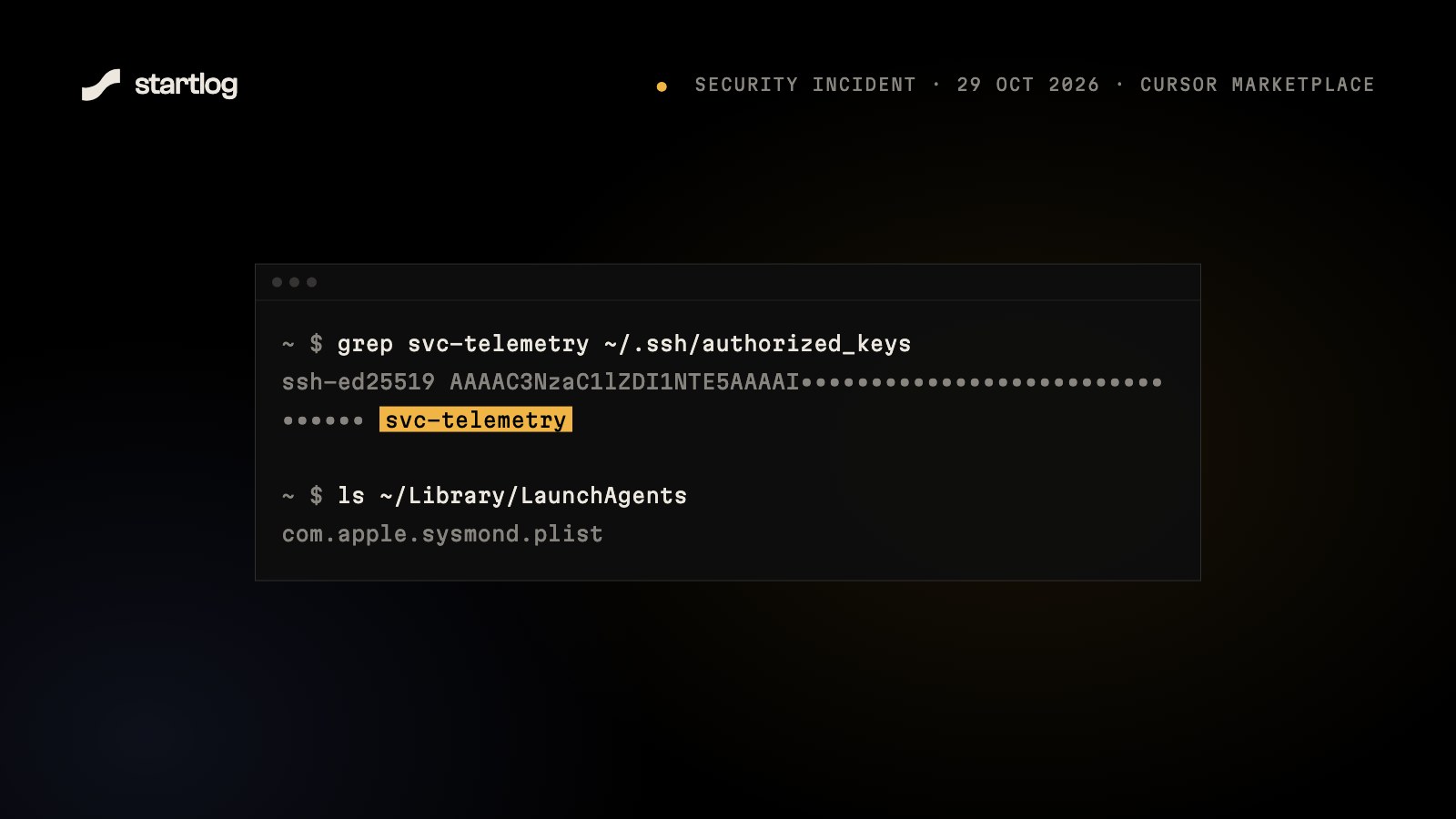
For about 11 hours on 29 October, anyone who installed or updated the Claude Code extension through Cursor's marketplace could have received a version that tried to open a back door into their computer. Here's what happened, how it worked, and how to check your own machine in under a minute.
What happened
Between 2:27am and 1:35pm PT on 29 October 2026 (09:27 to 20:35 UTC), Cursor's extension marketplace served tampered builds of Anthropic's Claude Code extension, versions 2.1.312 and 2.1.313, for macOS and Windows. Cursor says at most 5,000 users were affected.
Cursor says the malicious builds were not developed by Anthropic, and Anthropic says its own systems and official channels weren't touched. Versions from VS Code's Microsoft marketplace, Open VSX and the standalone claude command-line tool were clean. What neither company has said yet is how the tampered build got into Cursor's marketplace under the extension's name, and some security researchers have pushed back on how the incident was framed for exactly that reason.
Once it was found, Cursor pulled the builds, took its whole marketplace offline, rotated its keys, rebuilt the marketplace, and got the attacker's server taken down. The fix is to update to 2.1.314 or later.
How the attack worked
The attacker didn't write a fake extension from scratch. They took the real 2.1.312 build and added 7,386 bytes of code to the top of its main file, leaving everything else byte-for-byte identical. The extension looked and worked exactly like Claude Code, because it was Claude Code, plus a passenger.
That extra code ran the moment the editor loaded the extension. No click, no prompt. It went through six steps:
- Look around. It collected the computer's name, your username, operating system, home folder, Git email and public IP, plus the names of up to 40 environment variables containing words like
KEY,TOKEN,SECRET,PASS,AWSorGCP. - Plant a key. It added the attacker's SSH key, labelled
svc-telemetry, to~/.ssh/authorized_keys. That's the list of keys allowed to log in to your machine without a password. - Open the door. It tried to switch on your computer's SSH server: Remote Login on a Mac, OpenSSH Server on Windows.
- Dig a tunnel. It opened a reverse SSH tunnel to the attacker's server, so the attacker could reach your machine even behind a home router or office firewall, and retried every 60 seconds.
- Stay. It installed itself to run at startup: a Launch Agent called
com.apple.sysmondon macOS (named to look like part of the system), a scheduled task calledSysMonor a Startup-folder script on Windows, and a cron job on Linux. - Report in. It sent everything it had collected to the attacker, including which of the steps above had worked.
Why most people got lucky
The attack had real limits:
- It read variable names, not values. It learned that you had something called
OPENAI_API_KEY, not the key itself. - Turning on SSH usually needed admin rights. On a Mac it only worked if
sudoneeded no password. On Windows the SYSTEM-level task only installed in an elevated session. - There was no second stage. Nothing else was downloaded, and no Claude or editor data was touched.
The planted key is still worth taking seriously. If the tunnel came up on your machine, someone could have logged in and done anything you can, for as long as it stayed up.
Check your machine
On a Mac, open Terminal and run:
grep svc-telemetry ~/.ssh/authorized_keys
ls ~/Library/LaunchAgents/com.apple.sysmond.plist ~/.config/.smt
pgrep -fl "ssh -N -R"
If nothing comes back, those indicators aren't there.
On Windows, open PowerShell and run:
Select-String -Path "$HOME\.ssh\authorized_keys","C:\ProgramData\ssh\administrators_authorized_keys" -Pattern svc-telemetry
schtasks /query /tn SysMon
Then check which version you have: Cursor → Extensions → Claude Code. Anything from 2.1.314 up is fine.
If you find it
Treat the machine as compromised:
- Disconnect it from the network.
- Run Cursor's cleanup script for your platform from their security notice. It removes the key, the startup entries, the tunnel and the extension. On a Mac, run it as your normal user, not as root.
- From a different, clean device, rotate every secret that machine could reach: API keys, cloud credentials, GitHub tokens, database passwords. Start with the variable names the attack would have seen.
- Check your SSH logs for logins you don't recognise, and consider wiping and reinstalling if you can't be sure it's clean.
What builders should take from it
- Extension marketplaces are part of your supply chain. An editor extension runs with your permissions: your files, your keys, your terminal. Install as few as you need, and from the official source.
- Forks of VS Code run their own marketplaces. The same extension name can come from a different store with a different chain of custody. Know which one you're installing from.
- Look at
~/.ssh/authorized_keysonce in a while. It should only contain keys you put there. - Keep secrets out of long-lived environment variables when you can. Load them per project or from a password manager instead.
The attack failed on most machines because of a few lucky details, not because anything stopped it. Next time those details may be different.
Sources
- Cursor: Security notice for Anthropic.claude-code 2.1.312 and 2.1.313
- StepSecurity: Trojanized Claude Code extension delivered a persistent SSH backdoor
- BleepingComputer: Malicious Claude Code extension on Cursor planted SSH backdoors
- The Hacker News: Claude Code extension on Cursor marketplace trojanized
- Help Net Security: Claude Code extension poisoned with persistent SSH backdoor